Solutions
Corporate training platform with live slide sync and smart glasses
Training rooms still rely on a projector at the front and a trainer shouting over the HVAC. Global teams get watered-down local versions because the original content is in one language. Immersia fixes both — live slides on every trainee's phone, hands-free smart glasses for demonstrations, and AI translation so every global team gets the same training in their own language.
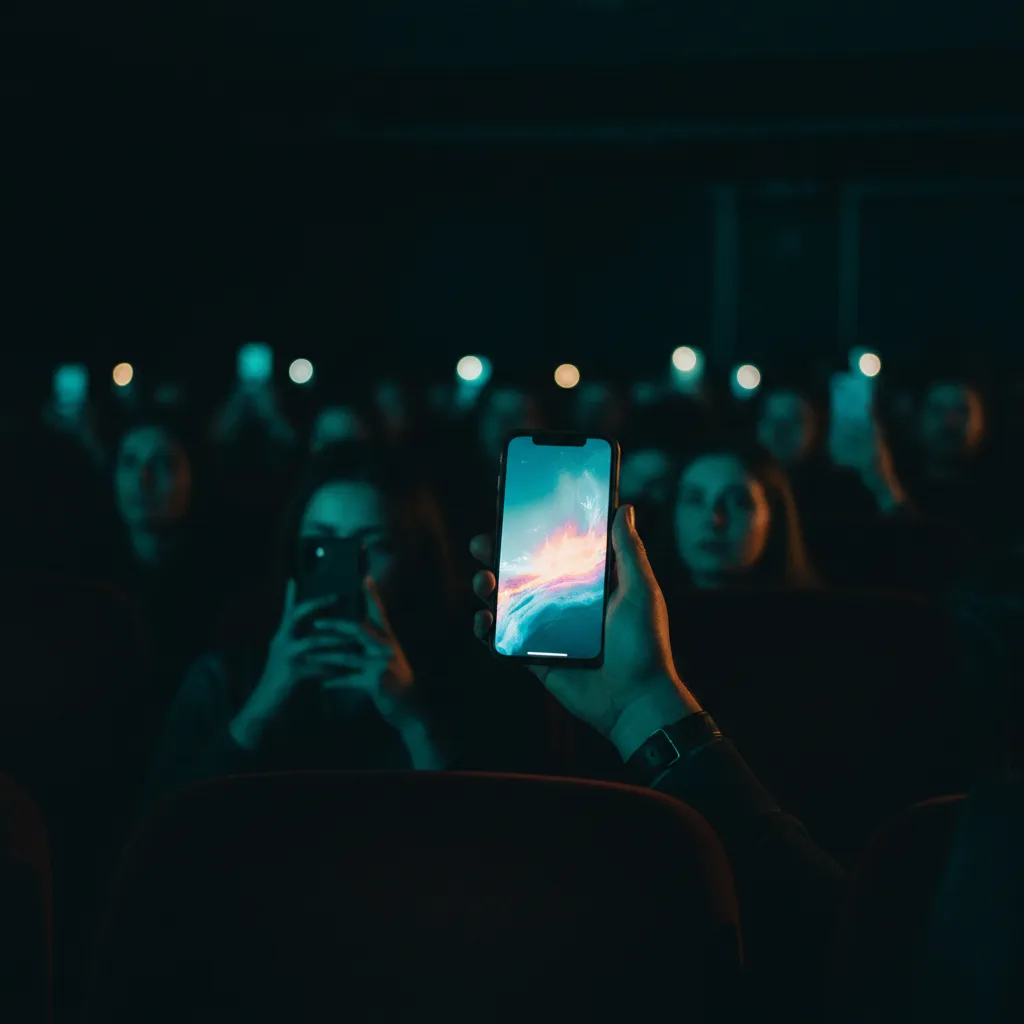
How training teams use Immersia
Live slide sync to every participant's device
The trainer advances a slide and every phone updates instantly — no projector, no squinting from the back, no "can you go back one slide?" Participants can zoom into diagrams, scroll back through previous slides, and save content for later reference. The trainer controls the pace for everyone.
Hands-free smart glasses for live demonstrations
A trainer wearing smart glasses performs a hands-on demonstration — repairing equipment, assembling a component, operating machinery — and every participant sees exactly what the trainer sees, live, on their own phone. The trainer's hands are free to work while narration streams to every participant. No camera operator, no fixed-angle setup, no "can you move closer so I can see?"
Real-time Q&A without interrupting the flow
Participants submit questions through their phone during the session. The trainer sees them appear in real time and can address them at natural pauses — or pin a particularly good question for everyone to see. Questions are timestamped to the slide they were asked on, creating a searchable Q&A record tied to the training material.
Multi-language delivery for global teams
The trainer delivers the session in one language. AI translation delivers it in 65+ languages simultaneously — every participant hears the narration and sees captions in their native language. A training session recorded in English becomes immediately usable by teams in Tokyo, São Paulo, Berlin, and Dubai without translation delays or localised re-recording.
Why corporate trainers choose Immersia
Training formats that thrive with Immersia
Technical workshops
Diagrams and specifications on every phone — zoomable and interactive.
Equipment demonstrations
Smart glasses stream the trainer's hands close-up — every participant sees the detail.
Safety and compliance training
Show hazard zones, emergency procedures, and compliance checklists on every device.
Onboarding sessions
New hires follow along on their own phone — reference materials stay with them after day one.
Global team all-hands
Every office, every language, same session — live slide sync with AI translation.
Sales and product training
Product shots, feature comparisons, and competitive positioning on every rep's phone.
Getting started
Create a free account and upload your first training deck. Print a QR code on the welcome slide or share the link in your calendar invite. When the session starts, participants scan and follow along on their own devices. The free plan supports 1 training session with 50 slides and 1 GB of media — enough to run a full workshop with rich visual content and see how it performs with your team.
Check your inbox
Thank you! Check your inbox for the guide.
Something went wrong. Please try again or email us at contact@getimmersia.com.
Explore related
See complementary features and related solutions for your training team.
Free to try · 1 tour, 50 photos, 1 GB · No card required