Features
Smart Glasses for Live Guided Tours — Hands-Free Slide Sync | Immersia
Slides and media appear directly in your guests smart glasses — hands-free, immersive, and perfectly synced. For museums, galleries, and premium guided experiences.
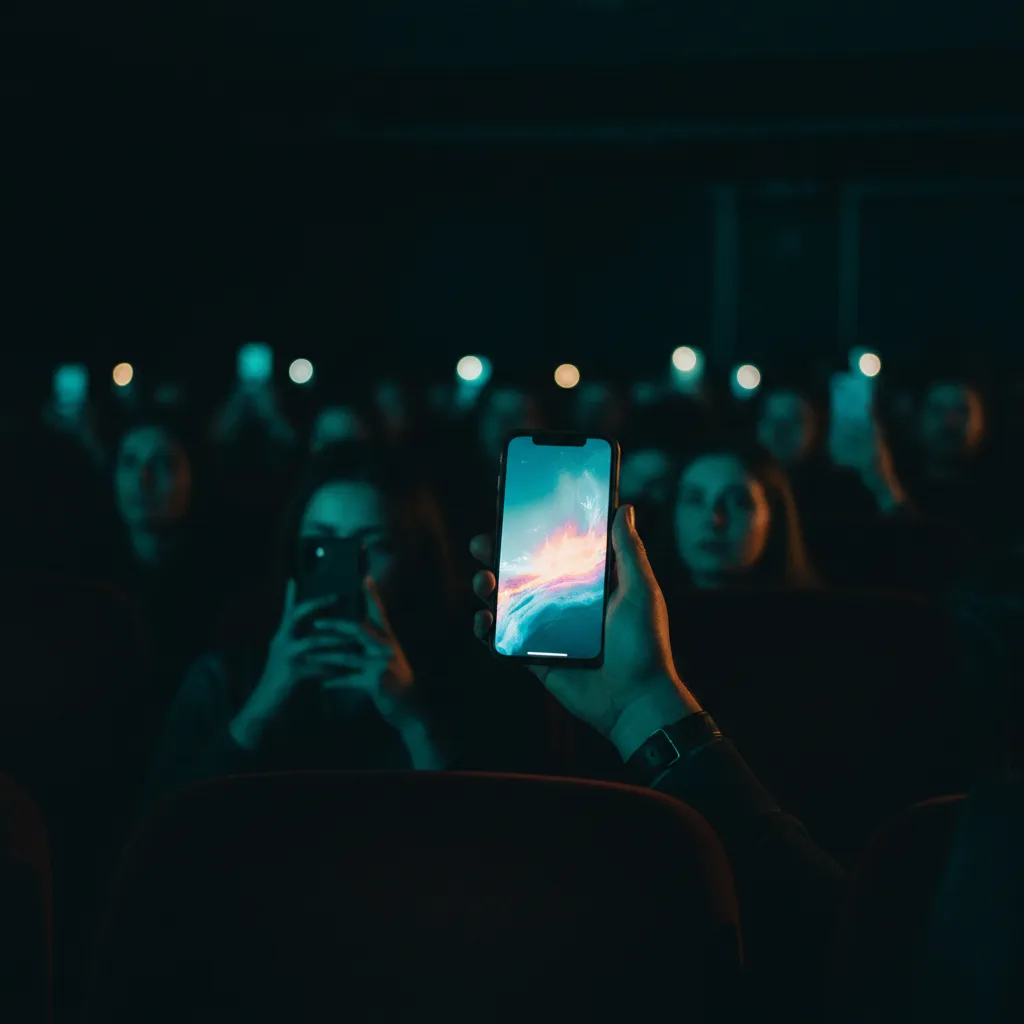
How smart glasses work with Immersia
The guide controls slides from their phone or tablet
Same Immersia controller. Swipe to advance slides — no change to your workflow.
Guests wear smart glasses and see slides in their field of view
Images, diagrams, and archival photos appear as an overlay — hands stay free for handrails, notebooks, or a coffee.
Everyone sees the same thing at the same moment
The guide cues a slide — every pair of glasses updates instantly. Perfect for timed reveals and group pacing.
Guests keep their eyes on the art, not a screen
Unlike phones, smart glasses let guests look at the real object while reference images appear peripherally — the best of both worlds.
Use cases for smart glasses
Museum tours
Visitors see archival photos, X-rays, and artist sketches overlaid while looking at the actual artwork.
Architecture walks
Historical photos and blueprints appear as guests look at buildings — then-and-now comparisons in real time.
Premium tours
High-end experiences where holding a phone would break the atmosphere — wine tours, gallery openings, VIP events.
Training and workshops
Hands-on training where participants need both hands free — equipment demos, cooking classes, lab sessions.
Accessibility
Guests with mobility needs get the full experience without holding or tapping a device.
Real estate visits
Floor plans, renovation ideas, and neighborhood data overlay the actual space as clients walk through.
Why Immersia + smart glasses
Early access
Smart glasses support is in active development and testing. We are looking for launch partners — museums, tour operators, and experience providers who want to be first.
Request received
Thank you! We'll notify you when early access opens.
Something went wrong. Please try again or email us at contact@getimmersia.com.
Explore other features
Smart glasses pair well with these Immersia features.
Free to try · 1 tour, 50 photos, 1 GB · No card required